A look inside Buildventory
The whole operation, from your files to a live board.
Take the tour. Every screen below is the real product — the same one your team, your buyers, and your AI tools work from. Start from a spreadsheet, end with a live availability board that keeps everyone honest.
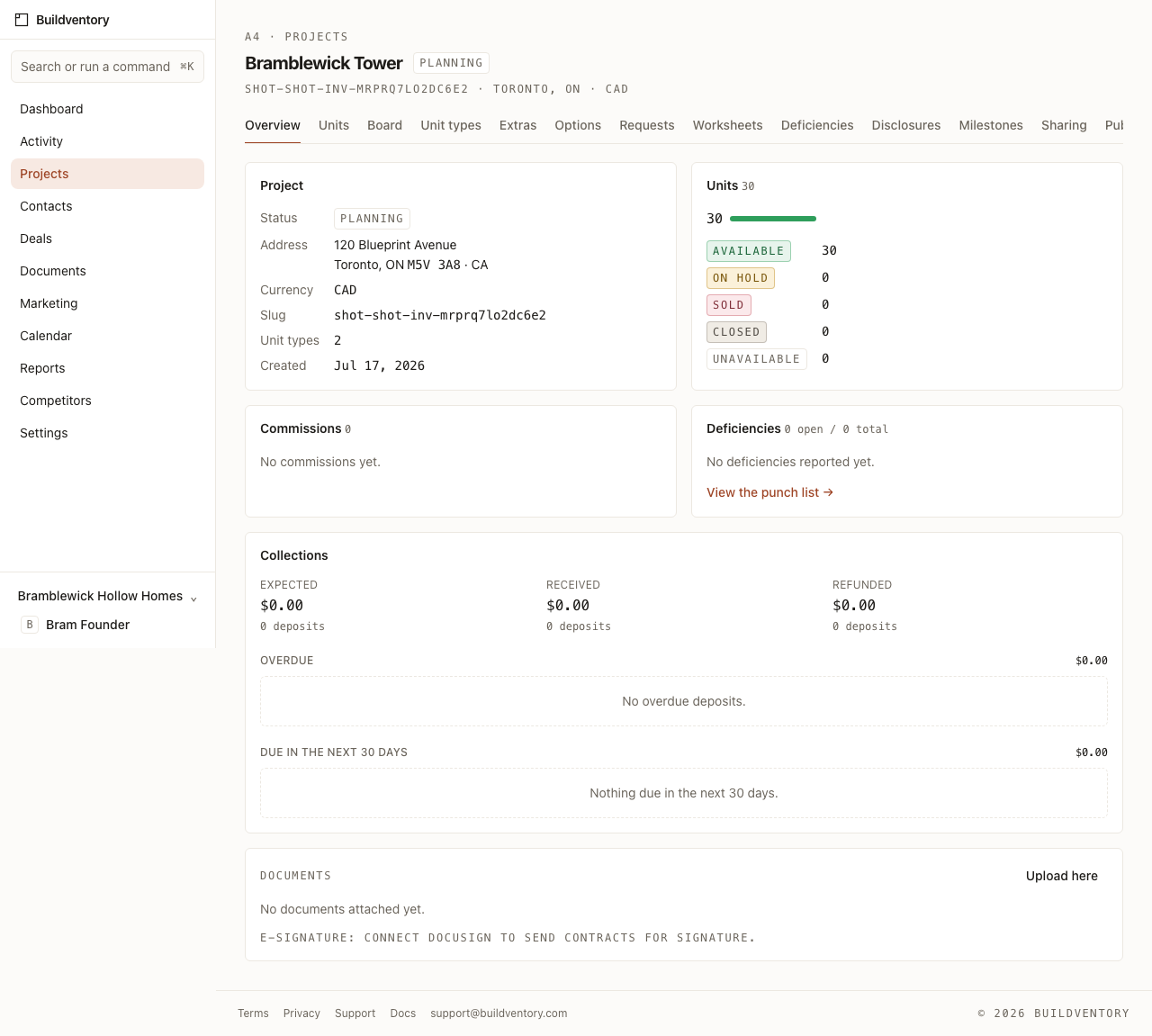
Start from the files you already keep.
Drop in your price sheet or unit tracker and Buildventory reads it — recognizing lot numbers, models, prices, and statuses without a single form. You review what it found, then it seeds your account in one pass.

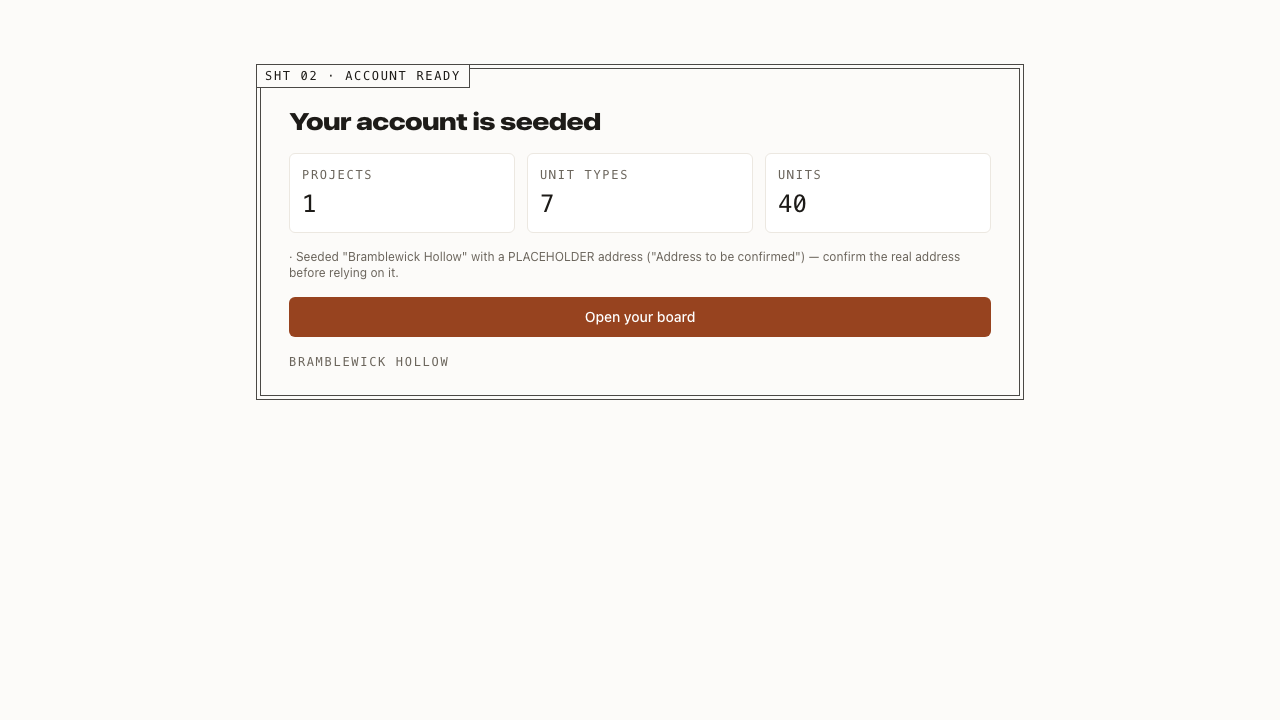
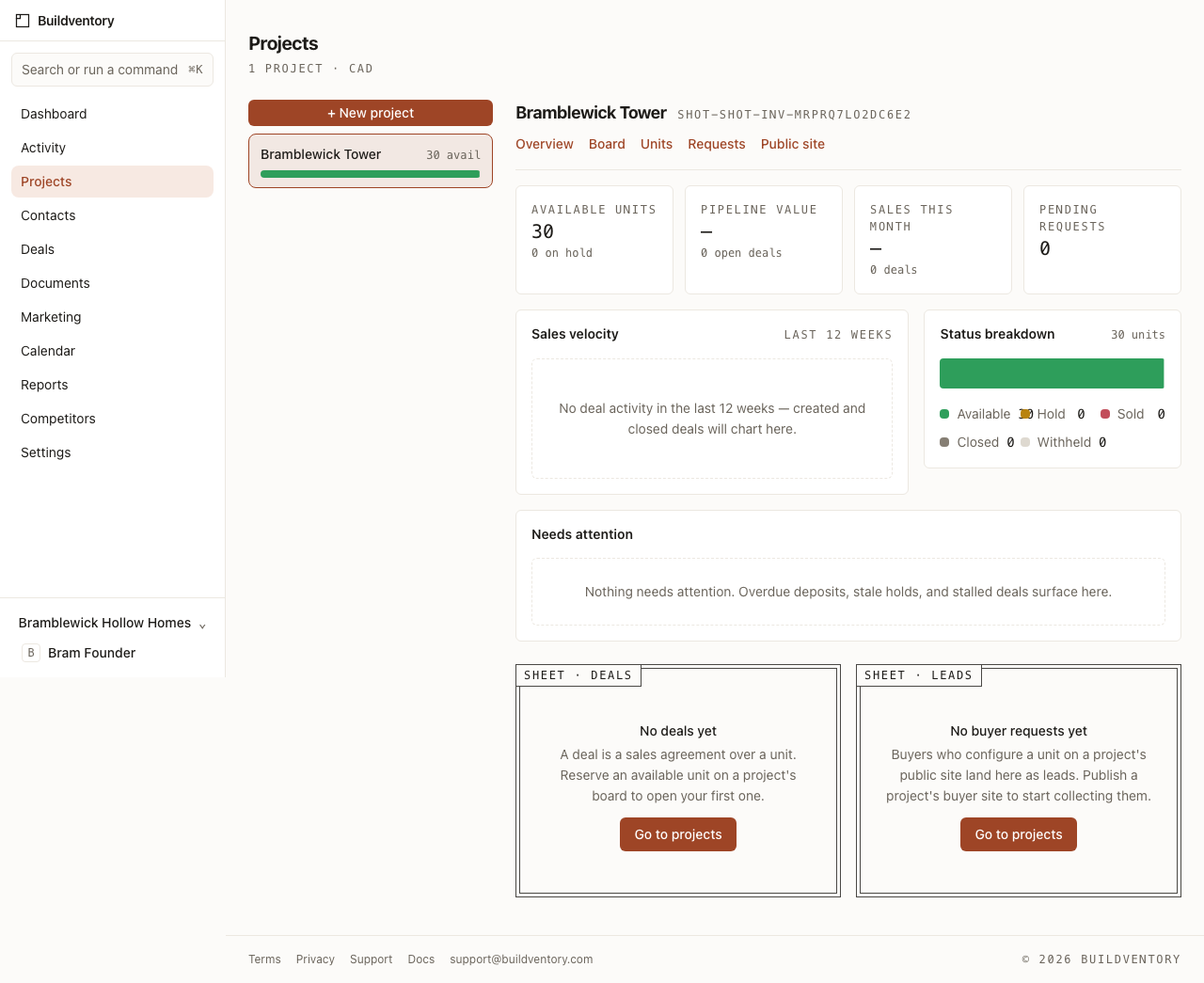
Your whole operation, at a glance.
The dashboard is your morning check: available inventory, pipeline value, sales velocity over twelve weeks, and a queue of exactly what needs attention today — an overdue deposit, a stale hold, an unanswered buyer. Flip to any project and it becomes that project’s own dashboard.
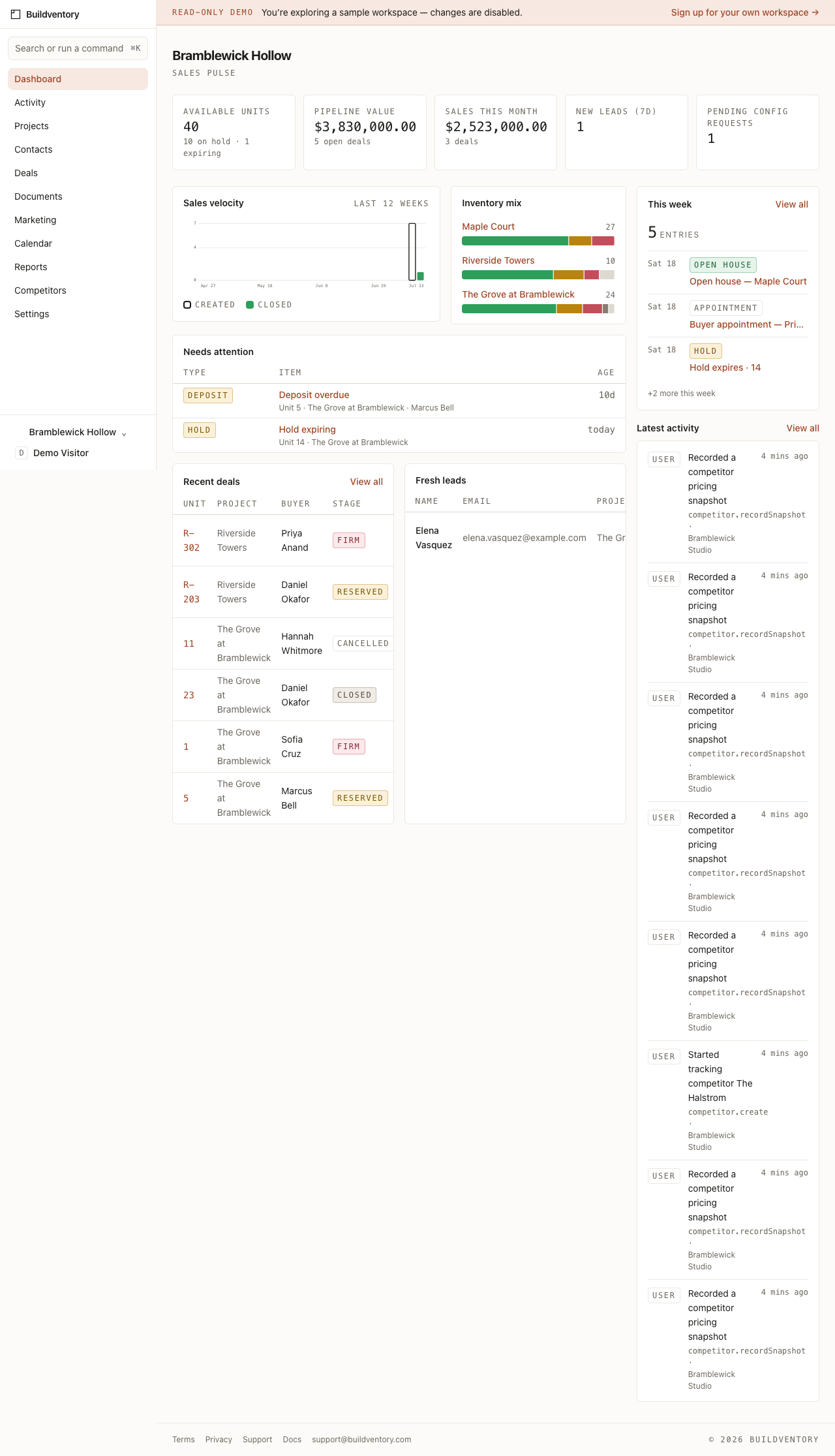
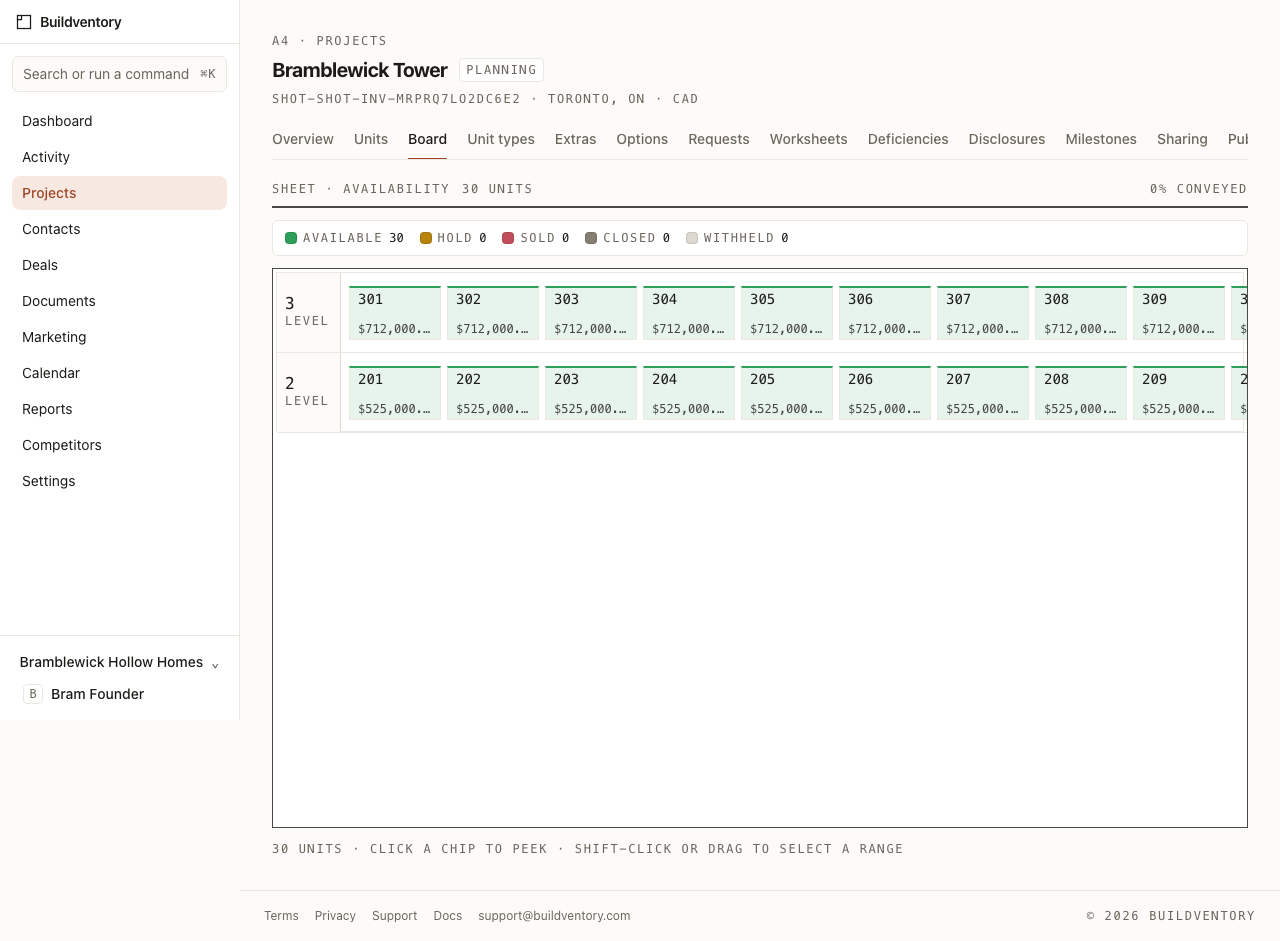
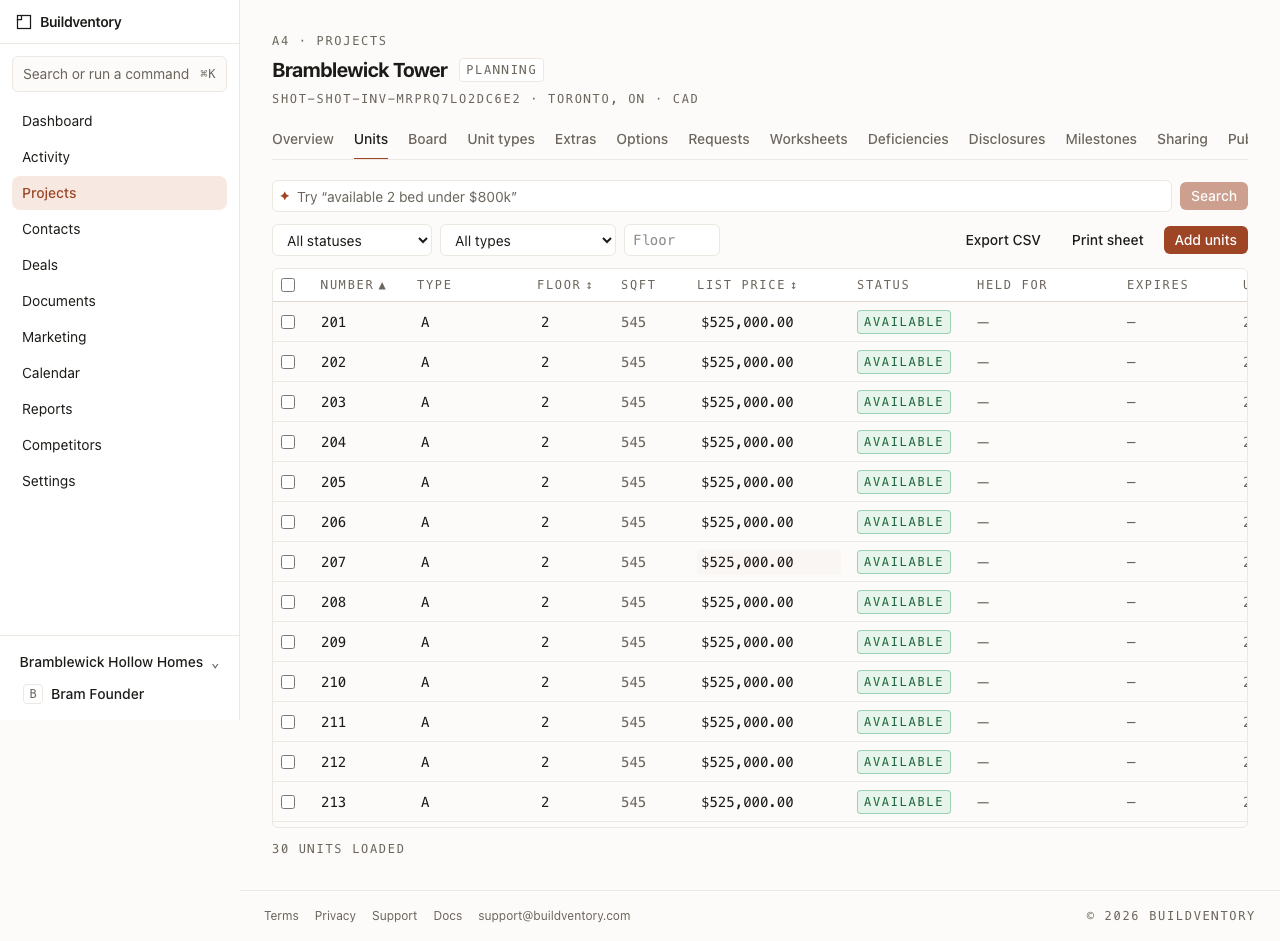
Your whole inventory, on one live board.
Every unit lands in a fast, dense table and on a floor-by-floor availability board the whole team works from. Click or drag a unit to move it through its status — available, on hold, sold — and everyone sees it at once.
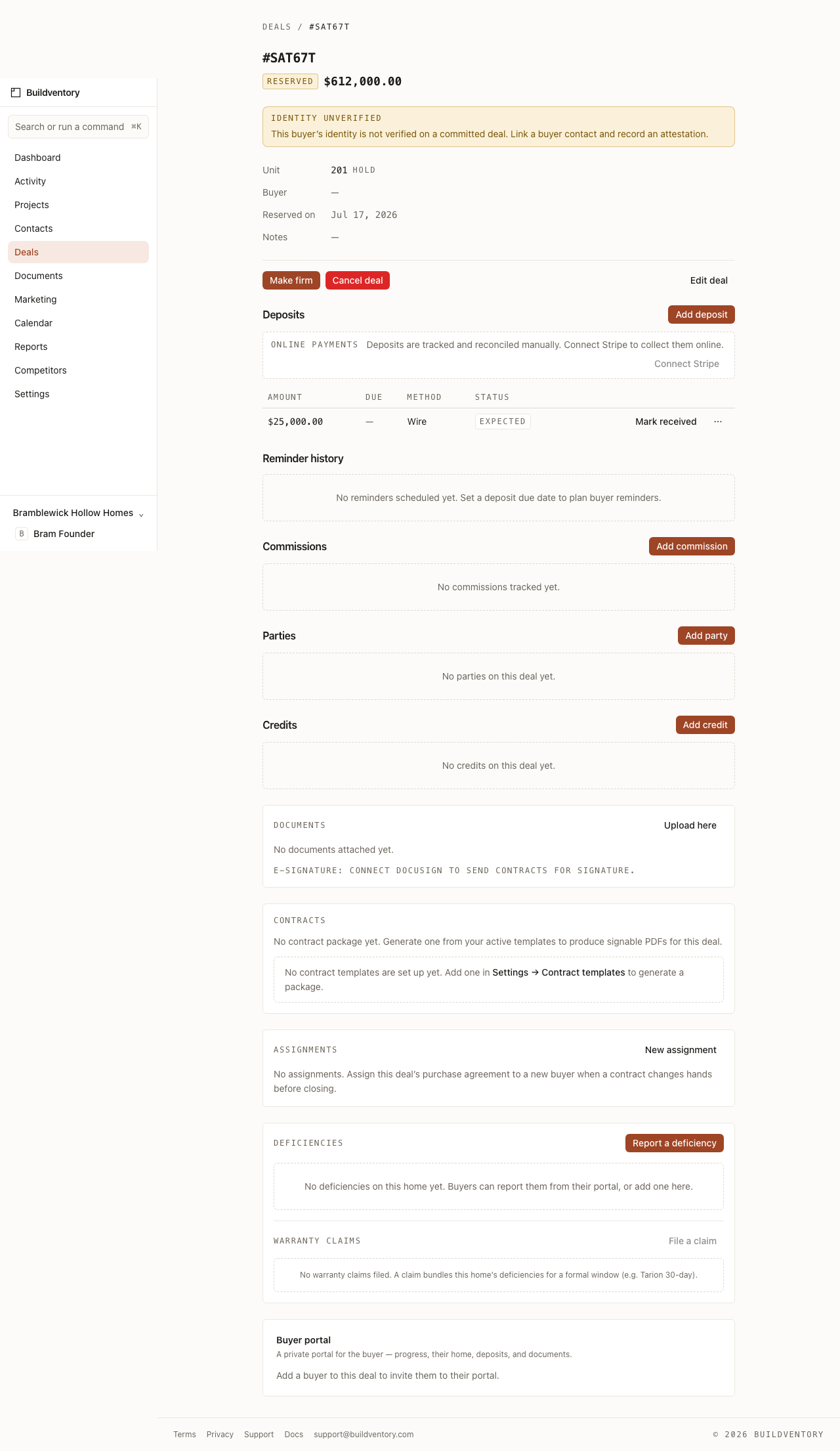
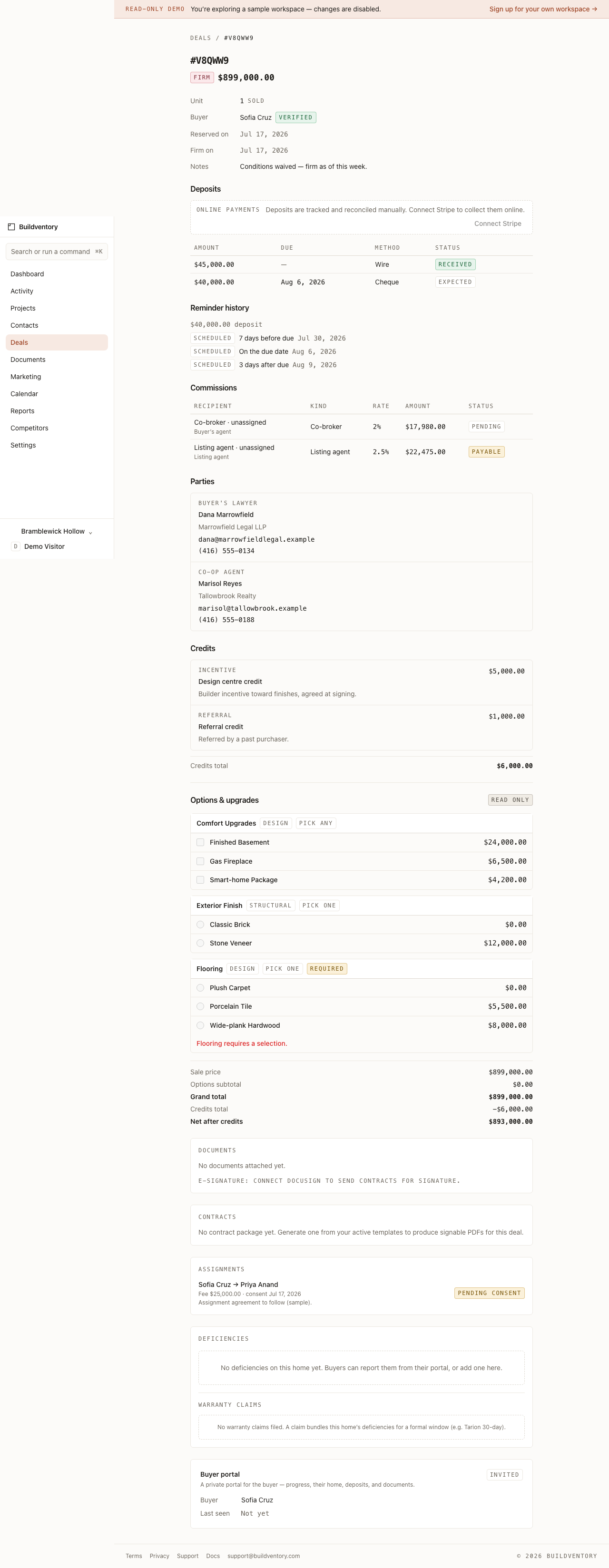
Take a unit from hold to sold.
Open a deal against any unit and walk it through a clear pipeline. Deposits are scheduled and tracked — with automatic buyer reminders before and after they fall due — and the moment a deal goes firm, commissions are calculated from your rules: splits, project overrides, payable through paid. Moving a deal forward keeps the board honest — no double-selling a lot.
Launch with demand in hand.
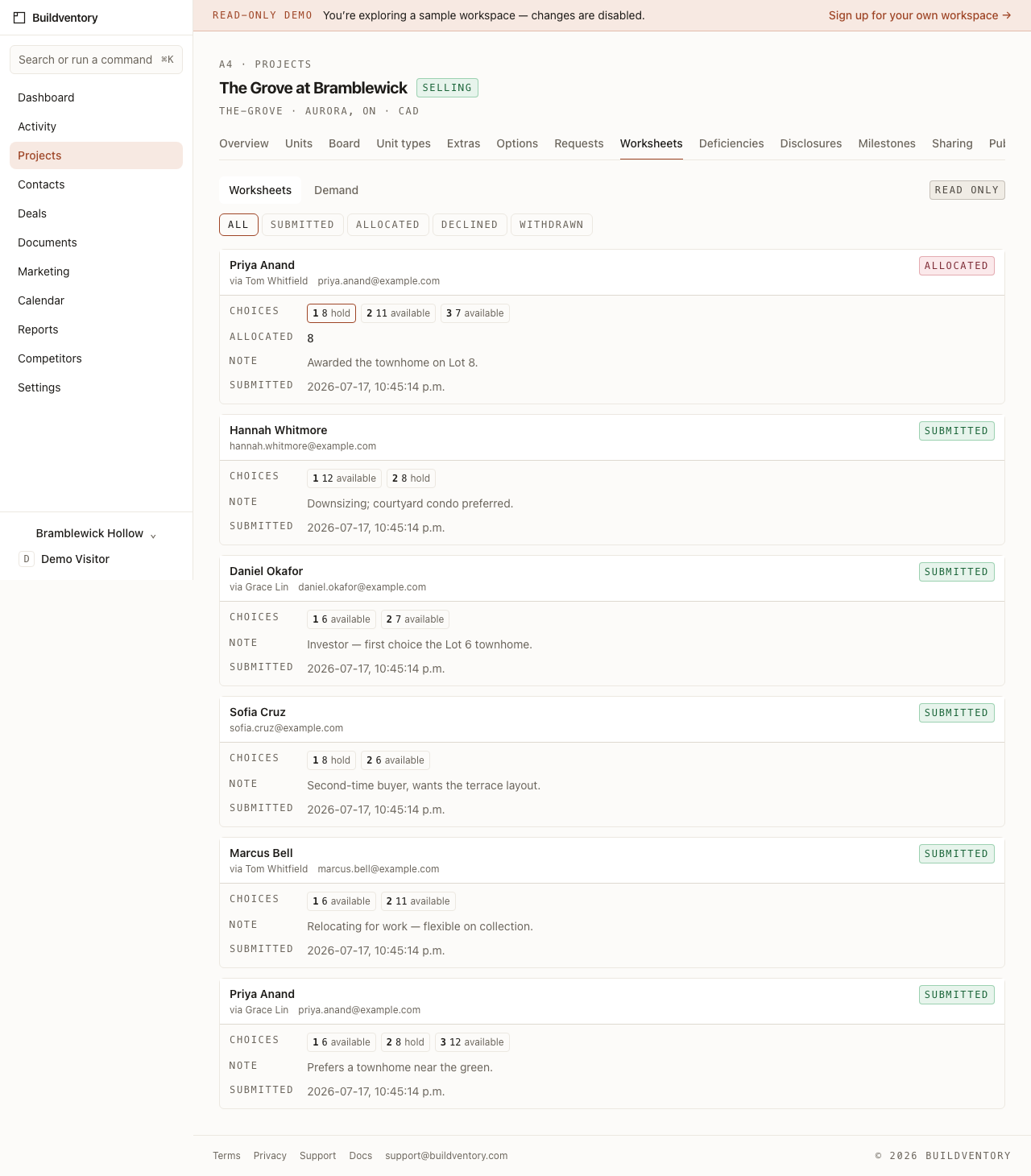
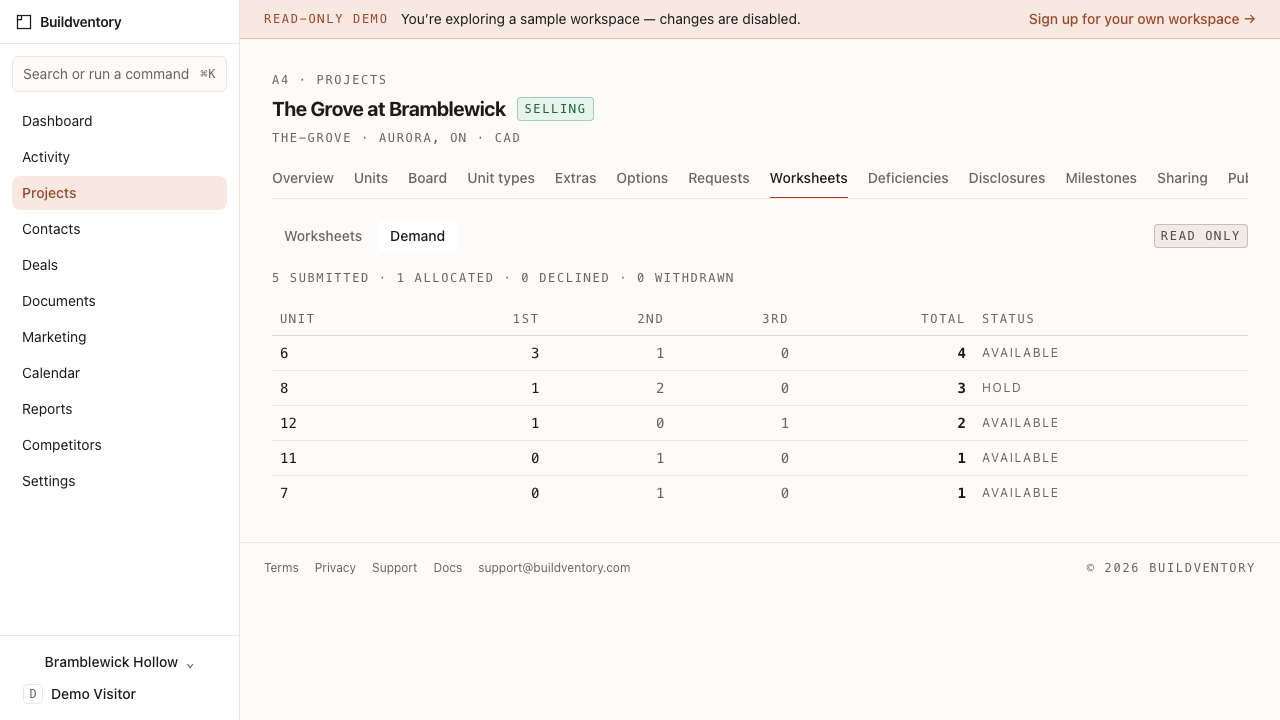
Before allocation day, collect worksheets — ranked expressions of interest, up to three units each — and watch demand concentrate unit by unit. When you allocate, Buildventory places a real hold through the same state machine everything else uses, so a launch can never oversell a lot.
Buyers, realtors, and paperwork in one place.
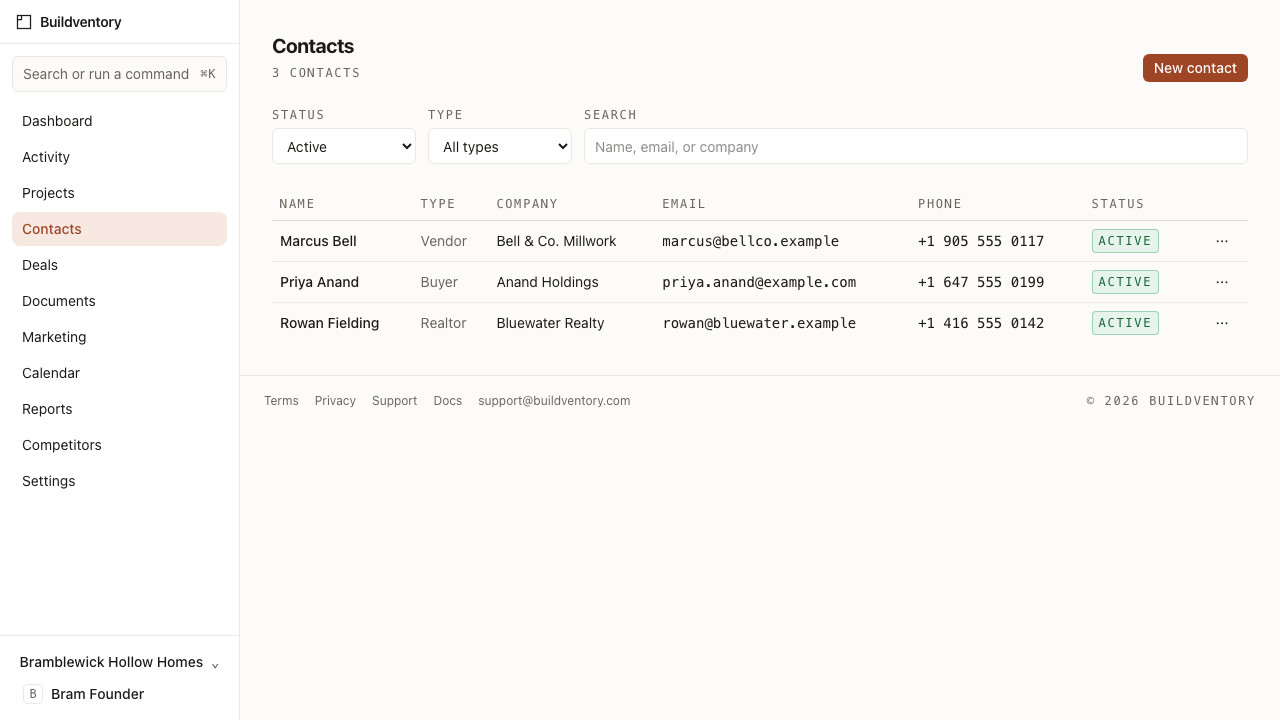
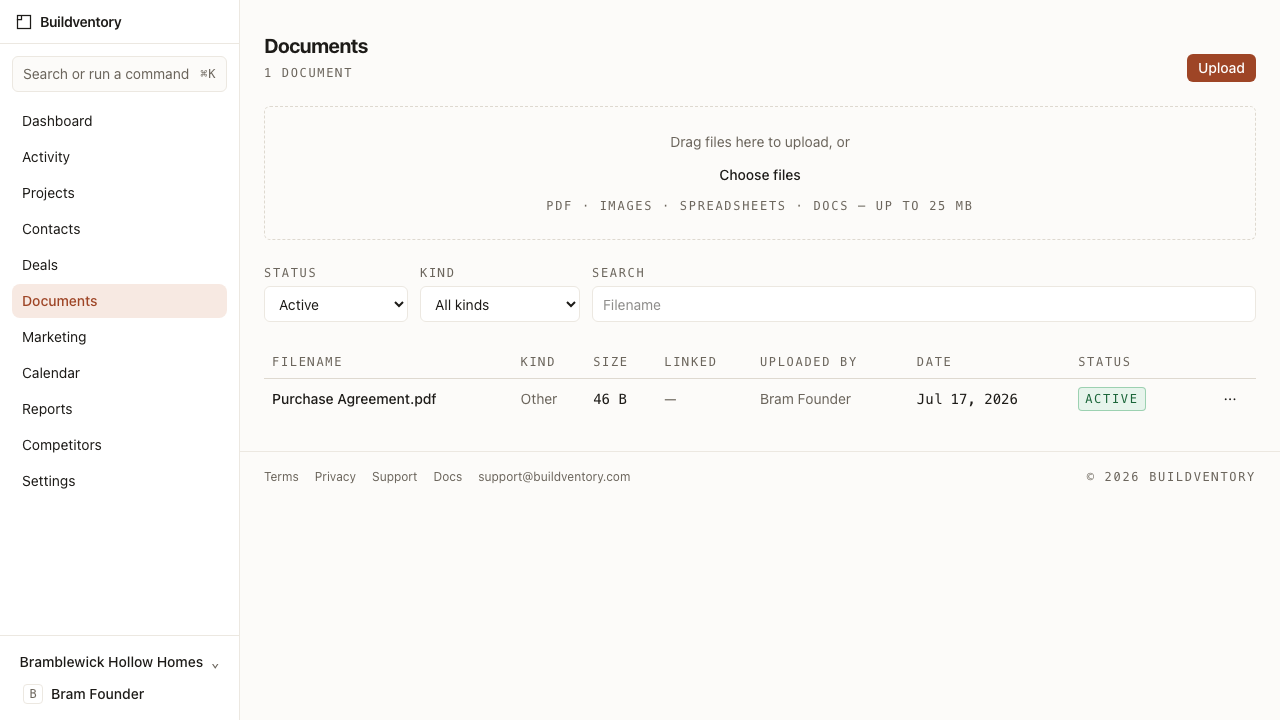
Keep every buyer, realtor, and vendor in one contact book you can link straight to a deal. Upload and organize the documents that belong to a project or a sale, so the file you need is always where you expect it.
A public site that never shows a sold lot.
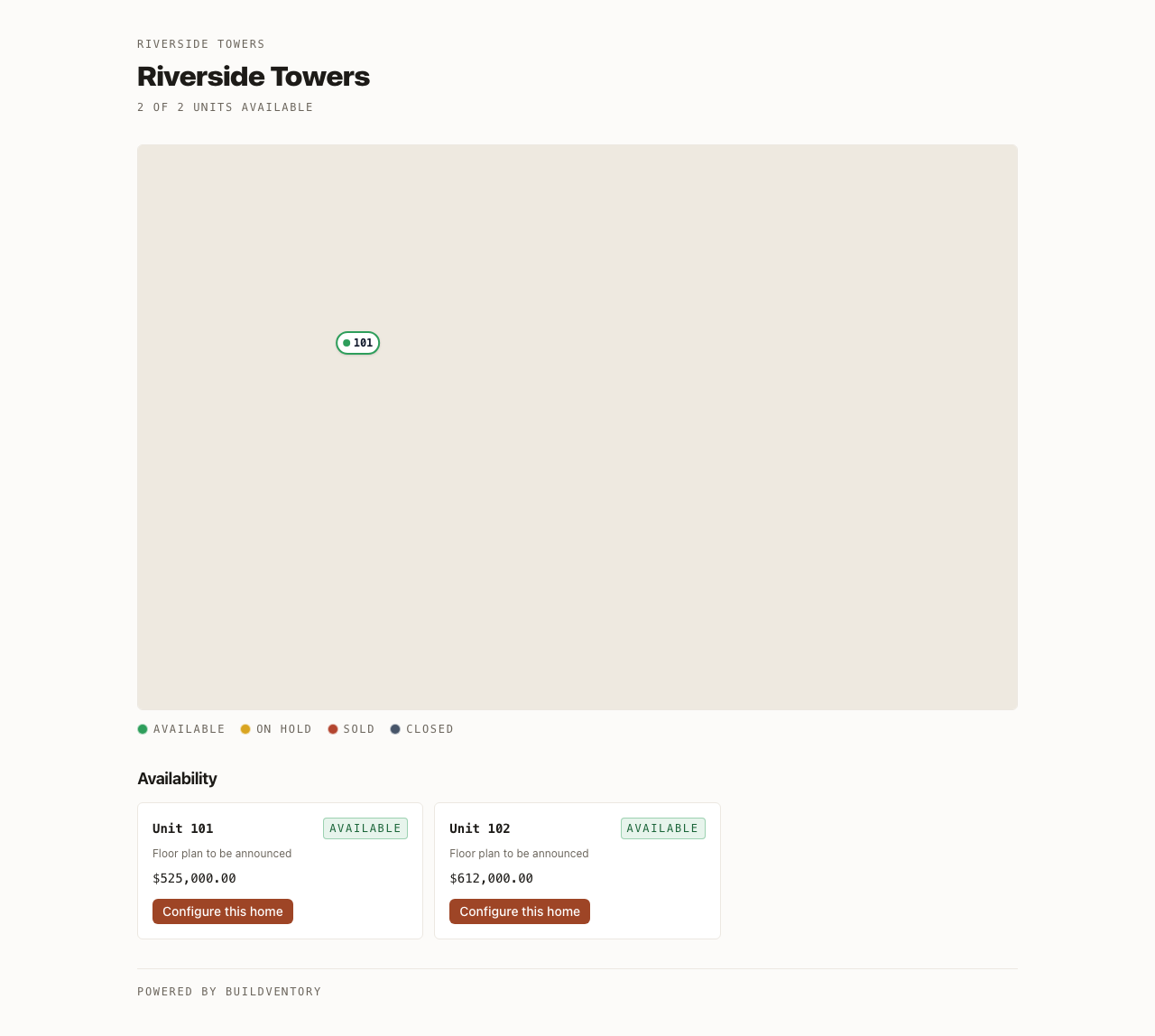
Publish a clean, buyer-facing availability page straight from your inventory. It reads from the same board your team works, so what a shopper sees is always what is actually for sale — no stale PDF to re-export.
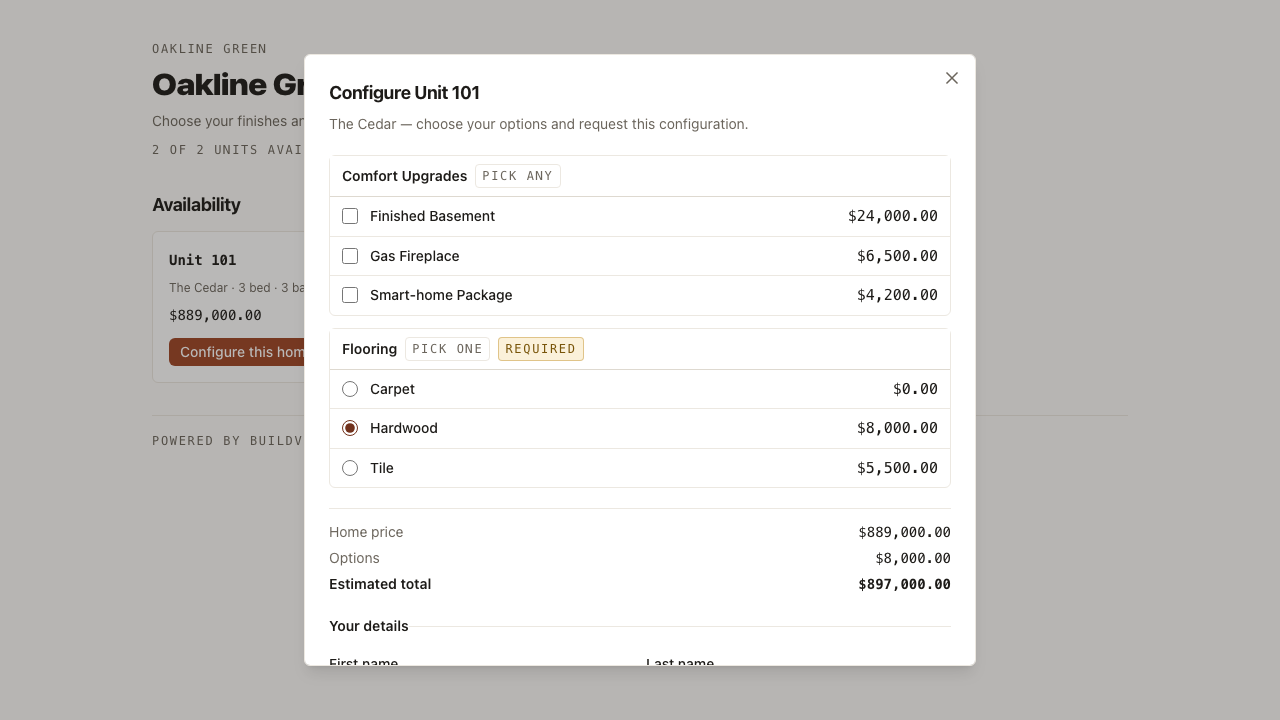
Let buyers configure their own home.
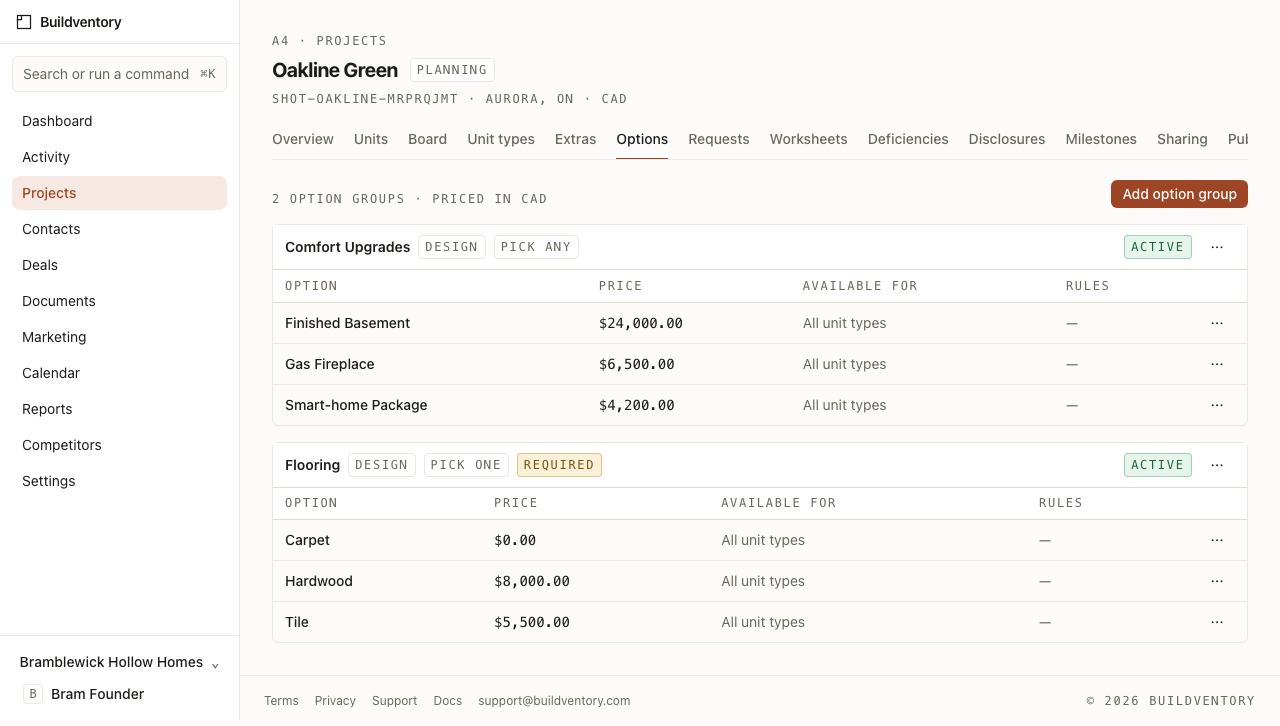
Build a catalog of structural and design options — with pick-one groups, required choices, and price deltas — and buyers can configure a home right on your public site. Live pricing and rules keep every configuration legal, and each one lands as a lead your team reviews and converts to a deal.
Both sides of the deal get a portal.
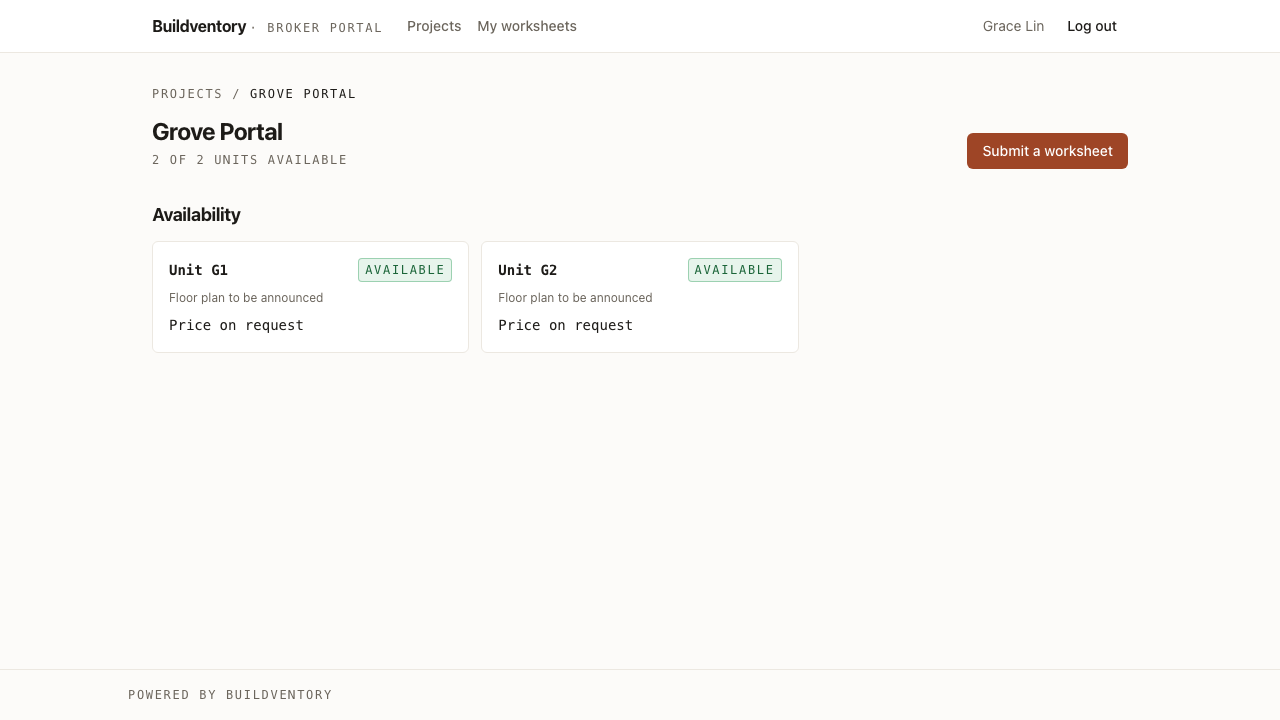
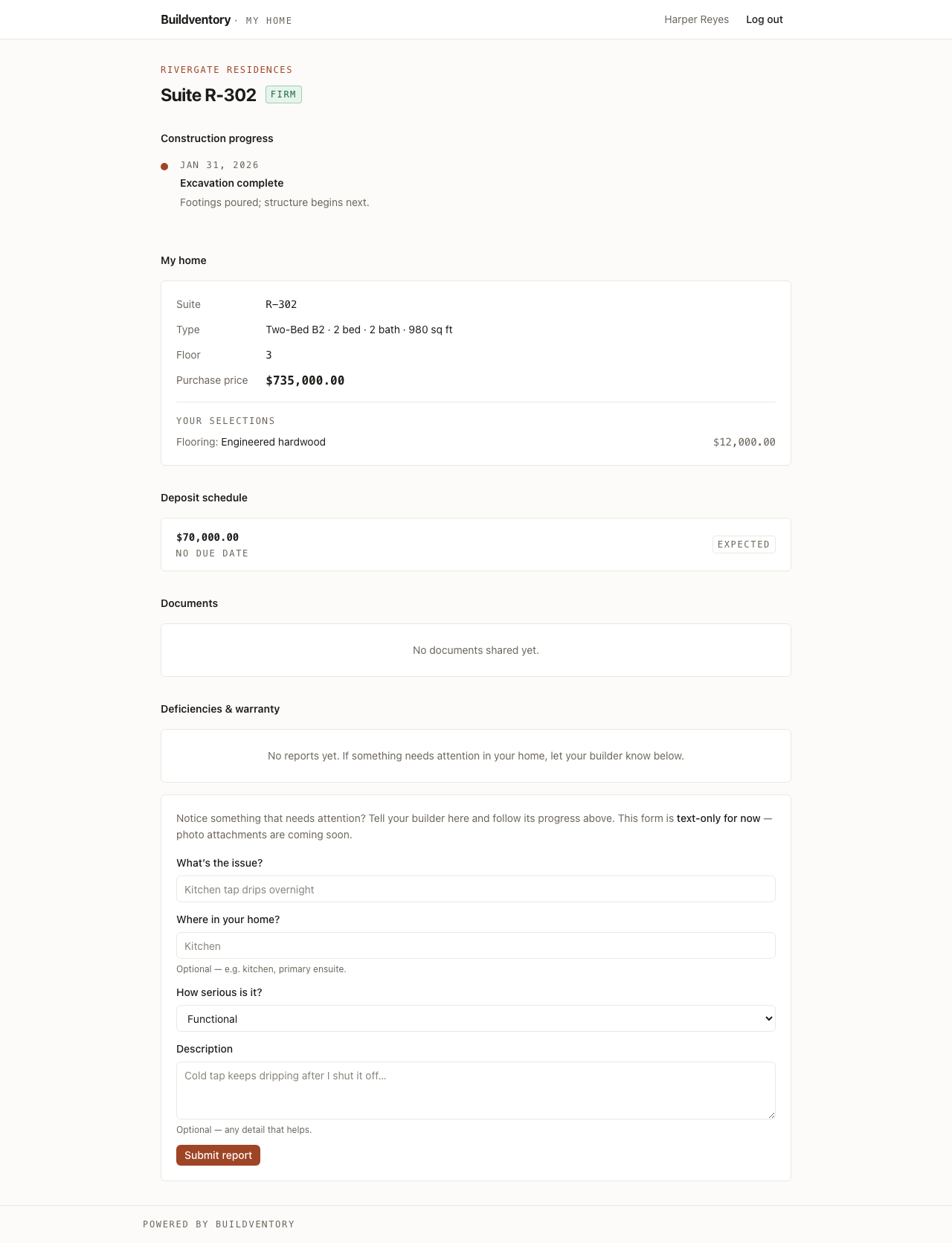
Share live inventory with realtors on your terms — full pricing or availability only — and they submit worksheets for their clients from their own portal. The day a deal goes firm, your buyer gets theirs: construction milestones, their home and options, their deposit schedule, their documents. Revoke either, instantly.
The sale isn’t the end of the relationship.
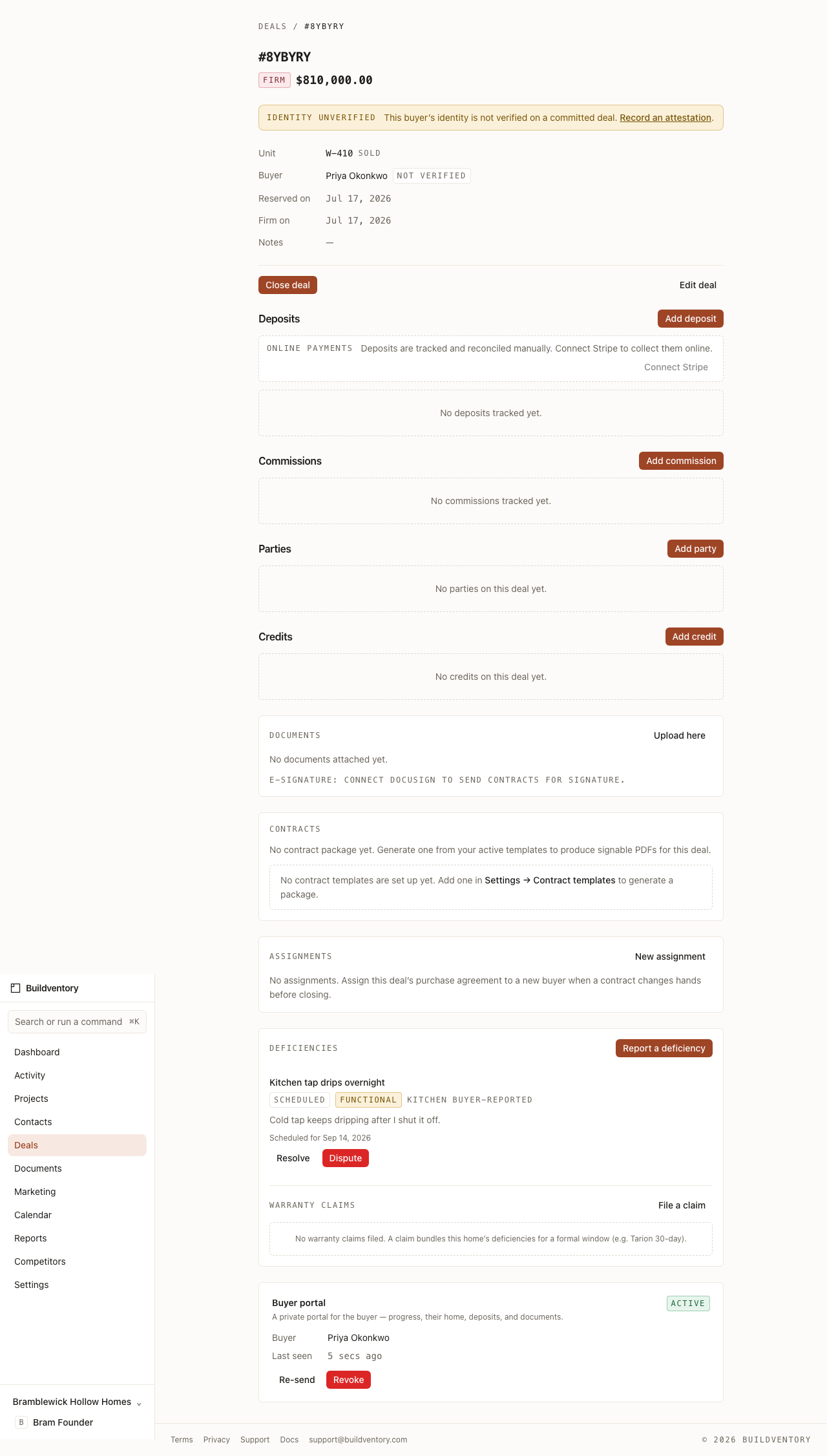
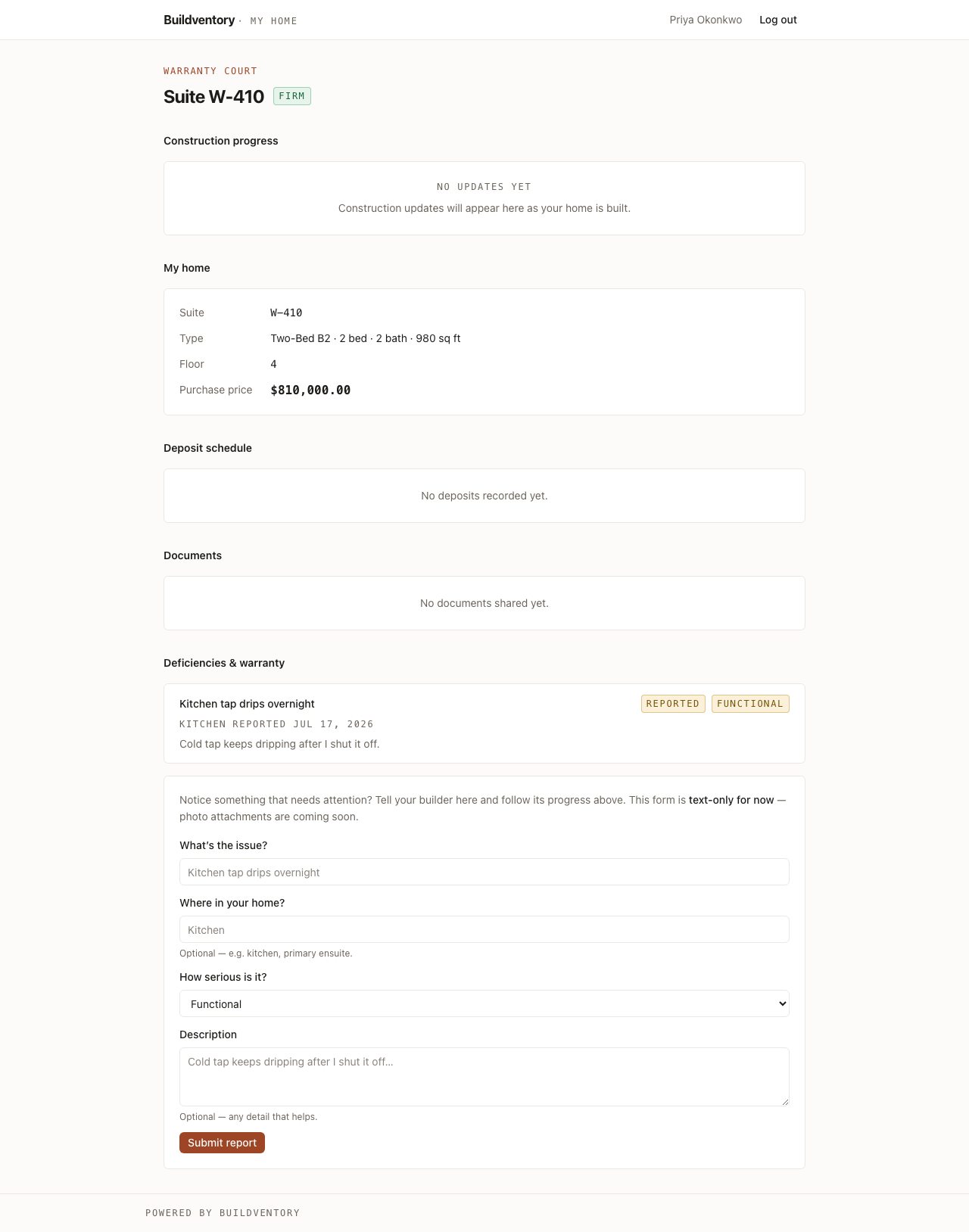
After closing, buyers report deficiencies right in their portal — you acknowledge, schedule, and resolve them from a per-project punch list, and warranty claims bundle the record. The buyer sees every response, so the paper trail builds itself.
Let your AI tools drive it — safely.
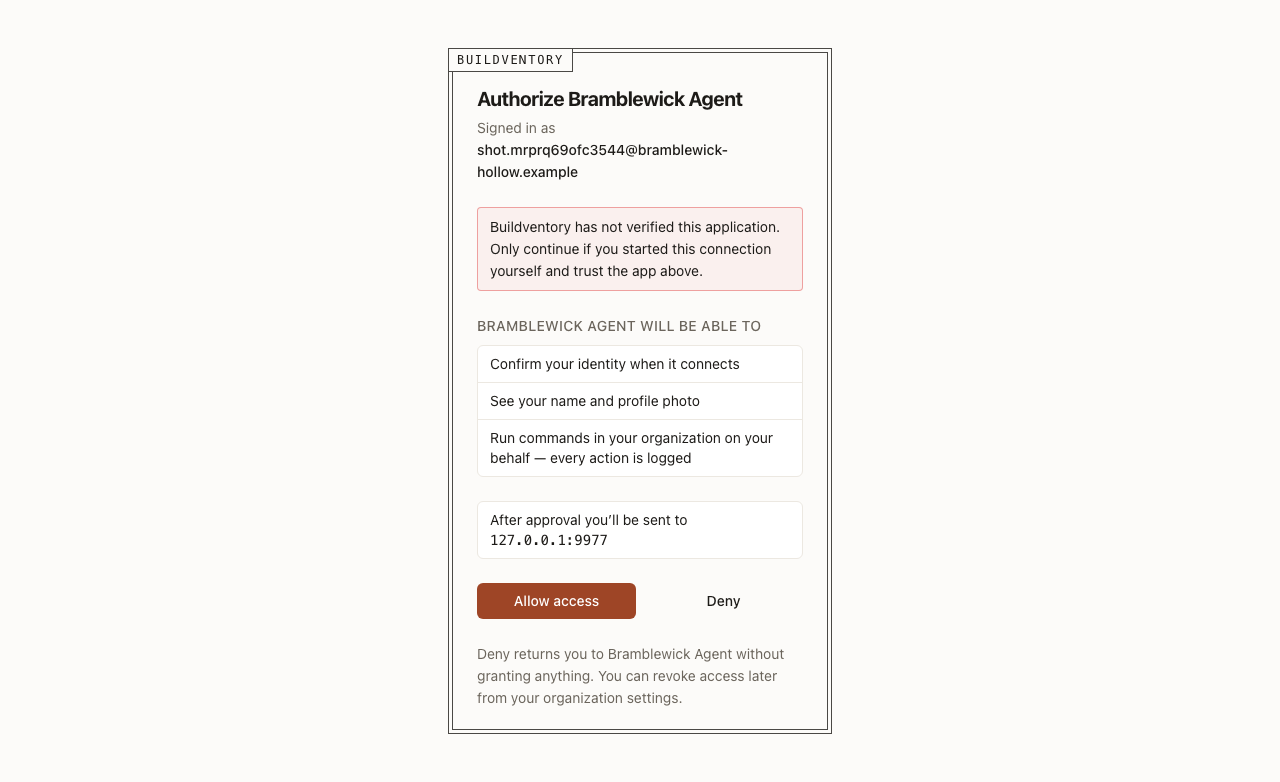
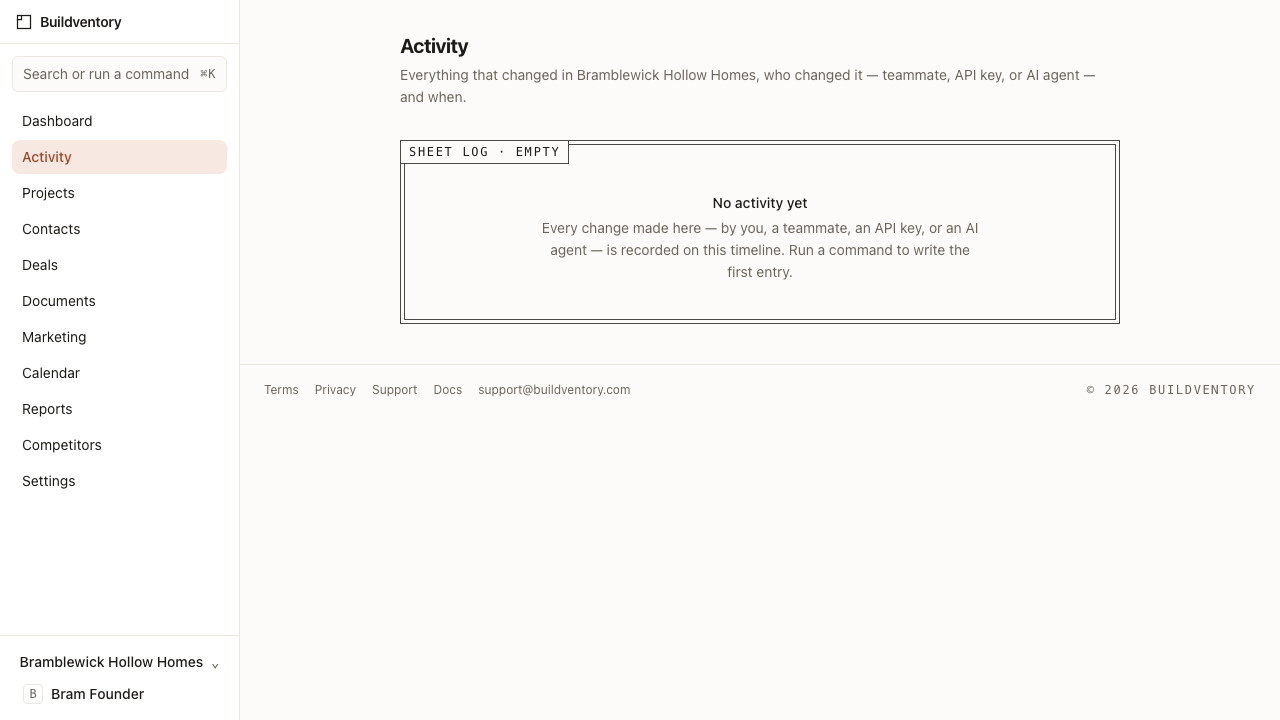
Connect Claude or any MCP client through a real consent screen, and it runs the exact same commands your team does — nothing more. Every change, by a person or an agent, lands in one activity timeline labeled with who did it.
See it with your own numbers.
Drop in your price sheet and watch it become a live board, or click straight into the demo and poke around a fully seeded project first.